
Appearance
Reports
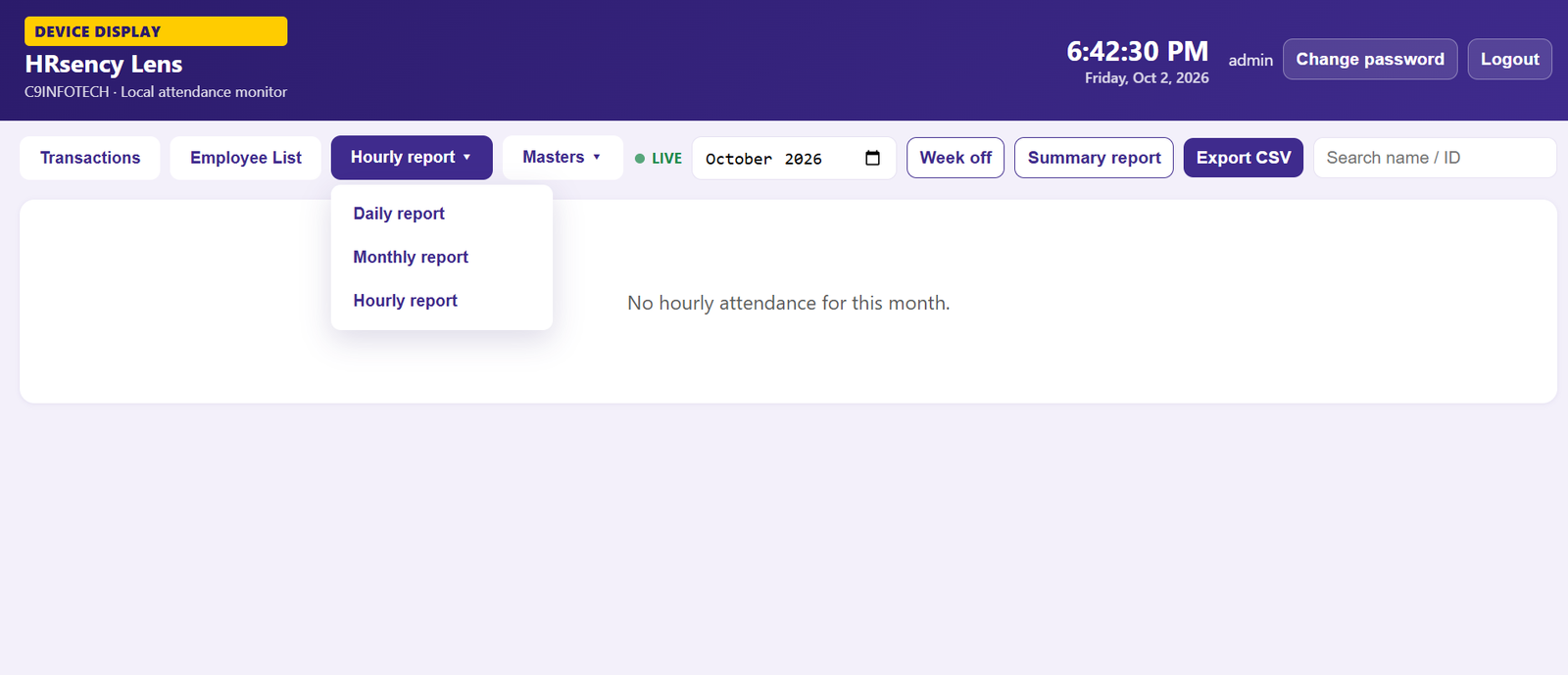
Reports are on the kiosk webpage. Open LAN display, sign in, then use Attendance Report.
| Report | What you see |
|---|---|
| Daily | One day: first IN, last OUT, working hours, status |
| Monthly | One row per employee, one code per day |
| Hourly | Same month grid, but each day shows hours worked and a Total |
| Summary | Totals for the period |
Monthly codes
| Code | Meaning |
|---|---|
| P | Present |
| HD | Half day |
| A | Absent |
| WO | Weekly off, and no punch |
| I | Incomplete (for example IN without OUT) |
| blank | Future day |
Hourly report
Each day cell is the hours for that employee, such as 8h 30m.
- Hours are calculated from the employee’s shift setting: Every In-Out or First-in Last-out.
- If someone works on a weekly off, that day shows the hours and they count in Total.
- WO only appears when there was no punch on a weekly off.
- I means the day is not closed (for example only IN).
- - means absent.
Use Week off to choose which weekdays are off (Sunday is the default).
Export
On Daily, Monthly, or Hourly, use Export CSV. Summary view exports the totals instead of the day grid.
Next: Shifts & hours.