
Appearance
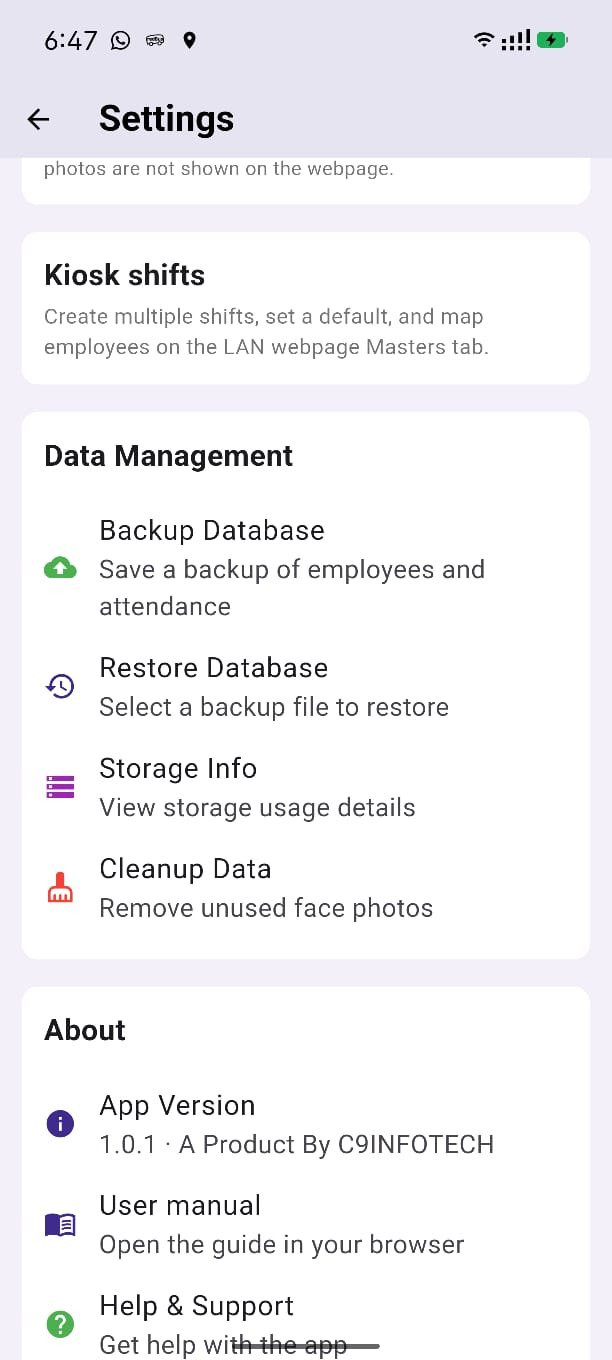
Backup & restore
Settings can copy the attendance database to a folder you choose, and restore it later.
Backup
- Open Settings → Backup Database.
- Android opens the Save dialog.
- Pick any folder and file name. The suggested name looks like
attendance_backup_YYYY-MM-DD.db. - Save.
You do not need All files access. Android writes only the file you choose.
Restore
- Open Settings → Restore Database.
- Confirm. Restore replaces the data on this phone.
- Pick the
.dbbackup file. - Sign in again after restore.
Take a fresh backup before you restore an older file.
Next: Settings.