
Appearance
POS sales
Ring up sales, hold invoices, take payment, and apply loyalty or coupons.
Open the register
- Sidebar → POS.
- Search products (name / SKU / barcode) or scan into the cart.
- Adjust qty on cart lines; remove lines as needed.
- Optionally attach a customer (required for loyalty earn/redeem).
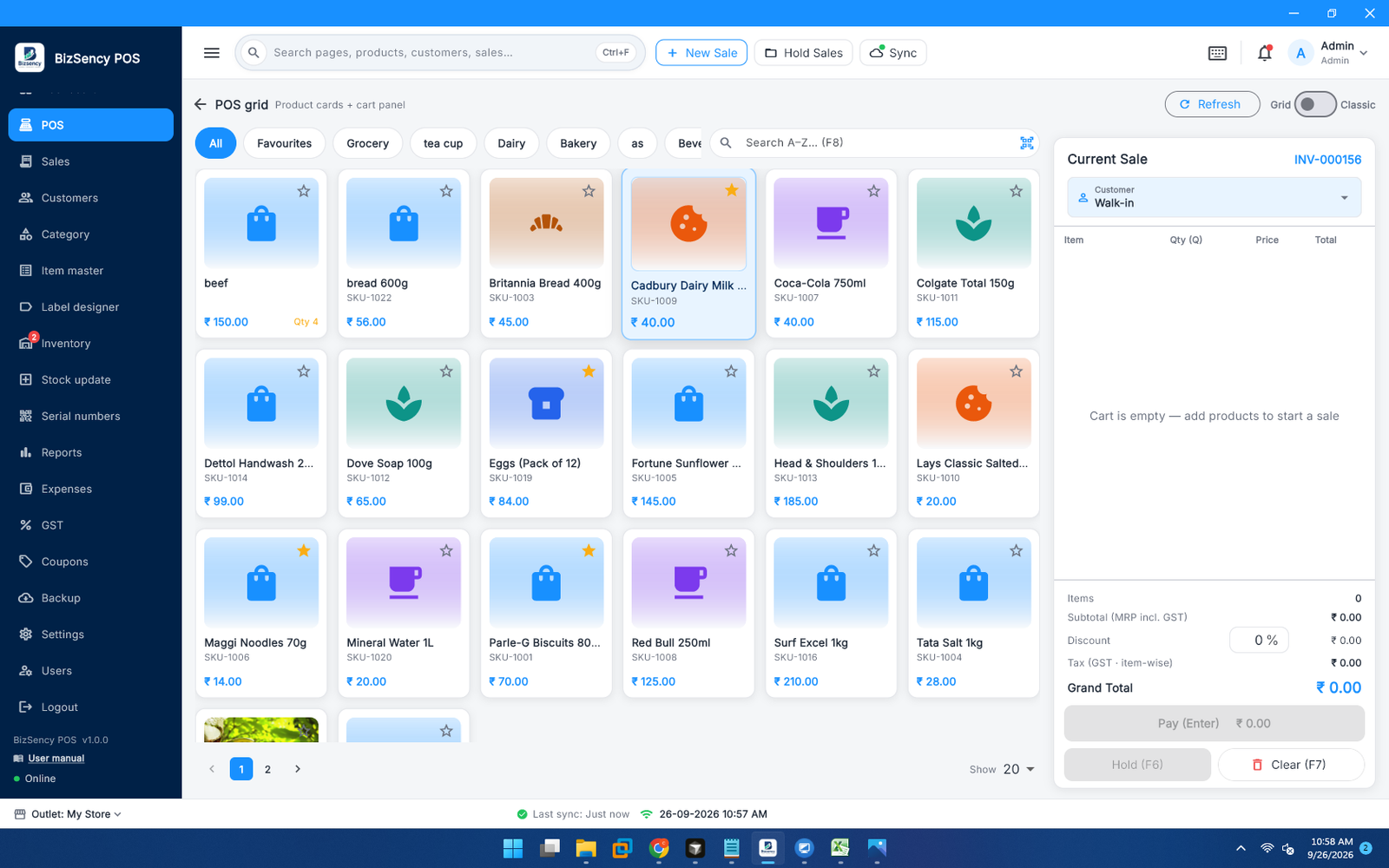
Scan to cart
If Settings → Devices → Scan barcode into cart is on, a HID scanner (barcode + Enter) adds the product automatically.
End-to-end sale flow
mermaid
flowchart TD
  A[Add items to cart] --> B{Customer needed?}
  B -->|Loyalty / history| C[Pick or create customer]
  B -->|Walk-in OK| D[Review totals]
  C --> D
  D --> E[Optional: coupon]
  E --> F[Pay]
  F --> G[Choose tenders / loyalty redeem]
  G --> H[Confirm]
H --> I[Sale saved + optional print]- Build the cart and check tax/totals.
- Apply a coupon if the module is on and the customer has a code.
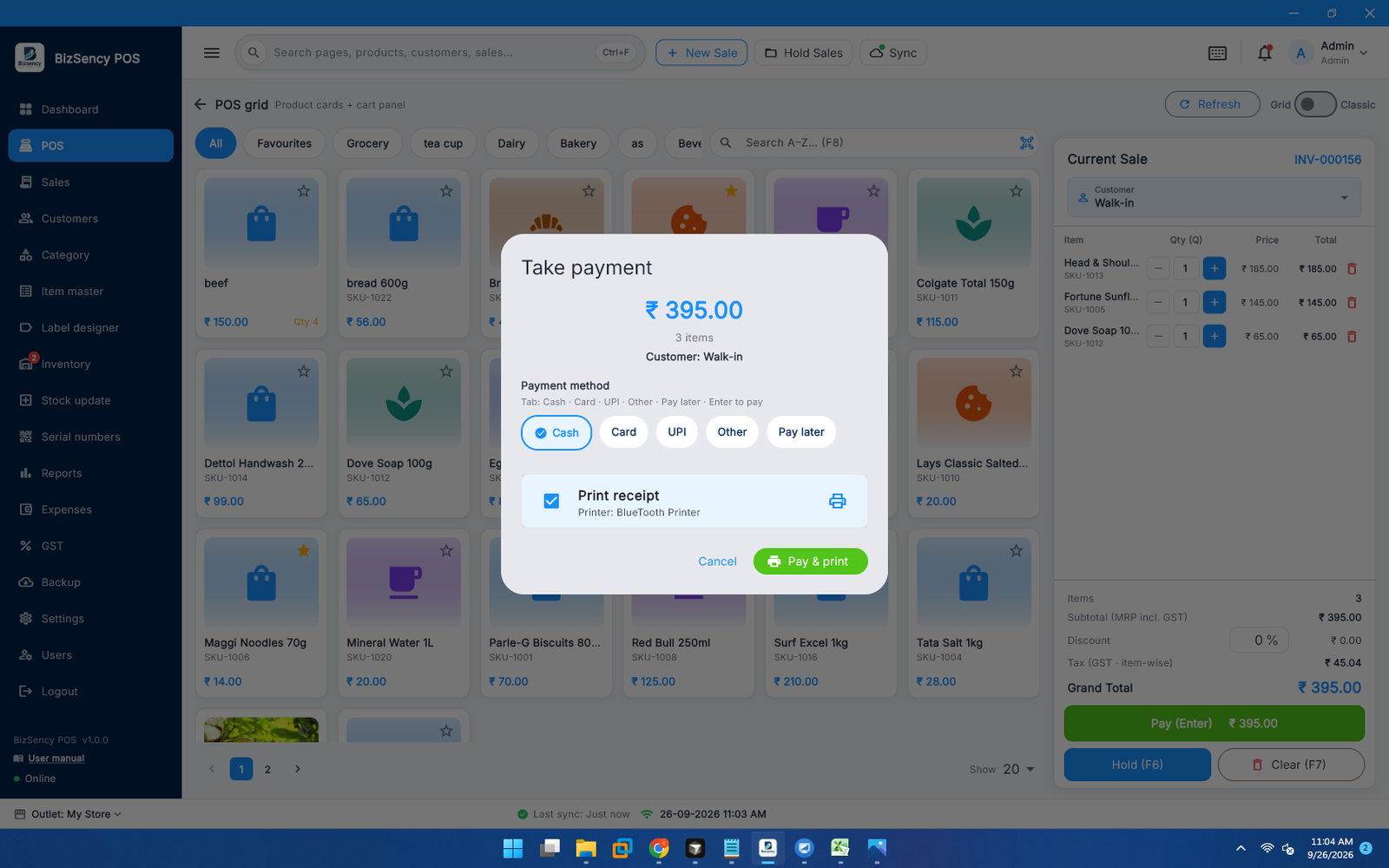
- Tap Pay (or the configured shortcut).
- In the payment dialog:
- Enter amounts per method (Cash, UPI, Card, …).
- Optionally redeem loyalty.
- Confirm. Receipt prints if Print receipt after pay is enabled.
Hold and resume
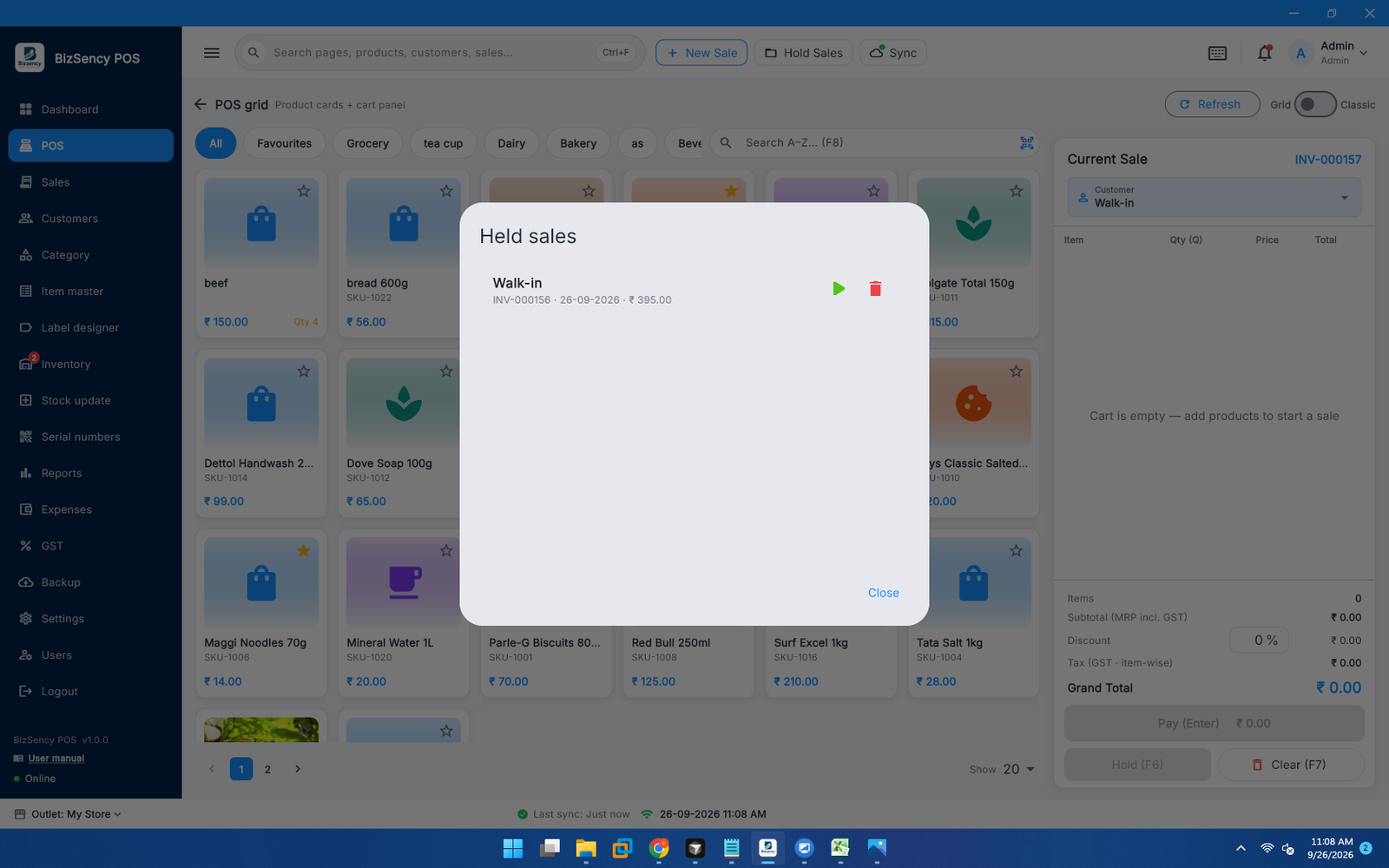
- Tap Hold to park the current cart (invoice kept as held).
- Open held sales from the header control.
- Resume loads the cart back onto POS.
Loyalty on POS
Prerequisites: Loyalty module on, customer selected, points available.
- Open payment.
- Use loyalty redeem controls.
- Remaining balance is paid with normal methods.
Earn happens after a successful completed sale (subject to min invoice and basis).
Coupons on POS
Prerequisites: Coupons module on.
- Enter or scan the code in the coupon field (payment / cart bar).
- Discount applies (% or flat per code rules).
- Invalid, inactive, expired, or min-invoice failures show an inline error (not only a snackbar).
Pay later on POS
Prerequisites: Pay later enabled, real customer on the cart.
- Open Pay → choose Pay later.
- Confirm — bill goes to the customer credit ledger.
- Settle later from Customers → Credit (FIFO payment clears oldest bills).
After the sale
- Sale appears under Sales.
- Reprint from Sales (print / eye actions next to the invoice).
- Stock decreases for stock-tracked items.
- Loyalty ledger updates when earn/redeem applied.
Tips
- Use Ctrl+F / header search for pages and products when shortcuts are enabled — full list: Keyboard shortcuts.
- Printer and scanner setup: Devices & printing.
- If pay seems blocked, check HID scanner buffer (finish or clear a partial scan) and required customer/serial fields.
- Offline (no DB connection): finish Connection in Settings before selling.
Next: Sales history · Item master & stock.